There is no single best DTC ERP for every brand doing $1M to $10M in revenue. The right system depends on how many SKUs you carry, how many channels you sell through, whether you run your own warehouse or lean on a 3PL, and how fast you're adding all three. What matters more than a ranked list is understanding where each category of tool breaks, so you can pick the one that won't need replacing again in eighteen months.
Most DTC brands in this range are living somewhere between QuickBooks and a real system. Orders come in from Shopify, Amazon, and maybe a wholesale channel. Inventory gets tracked in a spreadsheet that one person understands. Purchase orders go out over email, and nobody finds out a vendor shorted a shipment until a customer complains about a backorder. That setup works until it doesn't, and the point where it stops working is different for every brand.
This guide walks through what "ERP" actually needs to mean at this stage, where the popular options for this revenue band tend to hit a ceiling, and how to evaluate what comes next, including composable platforms like DOSS Operations Cloud.
What "ERP" Actually Means for a Brand This Size
At $1M to $10M in revenue, you don't need what a $200M manufacturer needs, and buying that system anyway is one of the more expensive mistakes a growing brand can make. The functionality that actually matters at this stage is narrower: accurate inventory across every channel you sell on, a purchase order process that doesn't rely on someone's memory, and a way to catch a stockout before it happens instead of after a customer emails about it.
A full enterprise resource planning (ERP) system, in the traditional sense, ties together finance, manufacturing, procurement, and inventory under one data model. Most $1M–$10M DTC brands don't need the manufacturing module or the general ledger complexity that comes with a system built for a much larger operation. What they need is the connective tissue: one place where inventory counts, orders, and supplier commitments agree with each other, whether that data lives in a lightweight inventory tool, a traditional ERP, or a more adaptable platform built for growing operations.
The mistake brands make in both directions is treating this as a binary. Buying a full legacy ERP at $2M in revenue means paying for complexity you don't need yet and waiting months for an implementation team to configure it. Staying on spreadsheets past $5M means someone on your team is quietly reconciling inventory by hand every week, and the errors compound with every new channel or SKU you add.
When QuickBooks and Spreadsheets Stop Working
The signal is rarely revenue alone. It's the number of places inventory has to be tracked by hand. A brand selling one product on Shopify can run QuickBooks plus a spreadsheet indefinitely. A brand selling forty SKUs across Shopify, Amazon, and three wholesale accounts cannot, because every new channel adds another place where the numbers can disagree.
The clearest sign is time. If someone on your team spends part of every day reconciling orders, inventory counts, or purchase order status across tabs and email threads, that is not a productivity problem you fix with a better spreadsheet template. It's a signal that the tool has hit its ceiling. Brands in this range can usually name the number of hours per day lost this way, and that number is the real cost of staying on manual tools past the point where they work.
The other signal is the stockout or the overstock that shows up as a surprise. When reorder points live in someone's head instead of a system, a brand either runs out of a top-selling SKU during its best week or sits on six months of a slow-moving one. Both are margin problems disguised as inventory problems.
The Ceiling on Lightweight Inventory Tools
Tools like Cin7, Fulfil, and Katana are a reasonable next step for brands leaving spreadsheets behind, and they're built for exactly this stage. They're also built for businesses that don't grow past a certain point of complexity, and the workarounds that show up as you cross that point tend to cost more than the platform itself.
The ceiling shows up in a few consistent places: SKU counts that get unwieldy past a few hundred variants, a second warehouse or 3PL relationship that the tool wasn't designed to coordinate, or a retail partner that requires EDI and gets bolted on through a separate integration that half-works. None of these are dealbreakers at $1M. Most of them are dealbreakers by $8M or $10M, once a brand is running multiple warehouses, wholesale accounts with their own compliance requirements, and enough SKU velocity that manual exception-handling stops scaling.
The brands that get burned here aren't the ones who chose the wrong lightweight tool. They're the ones who didn't ask, up front, what happens when we outgrow this. A tool that's cheap and fast to set up today but requires a full re-platform in two years isn't actually the cheap option once you count the migration cost.
Where Full Legacy ERPs Overshoot
On the other end, brands sometimes jump straight to NetSuite or a similar legacy ERP because it sounds like the safe, grown-up choice. For most brands in the $1M–$10M range, this is premature. Legacy ERP implementations commonly run 12 to 18 months, and that timeline assumes a dedicated implementation team and a business complex enough to justify the general ledger, manufacturing, and multi-entity functionality baked into the system.
A DTC brand doing $3M in revenue rarely needs multi-entity consolidation or a manufacturing execution module. What it needs is inventory, orders, and procurement working off the same numbers. Paying for a system sized for a $200M company, and waiting over a year to go live on it, solves a problem this stage of brand doesn't have yet while leaving the actual problem, fragmented day-to-day operations, unsolved for the duration of the implementation.
A Different Path: Composable Platforms Like DOSS
DOSS Operations Cloud is built for exactly the gap between spreadsheets and legacy ERP: a platform that handles inventory management , order management , and procurement in one system, without the multi-year implementation or the modules a growing DTC brand doesn't need yet. It's built on a composable data model, which means the workflows adapt to how your team actually operates instead of forcing your operations into a rigid template.
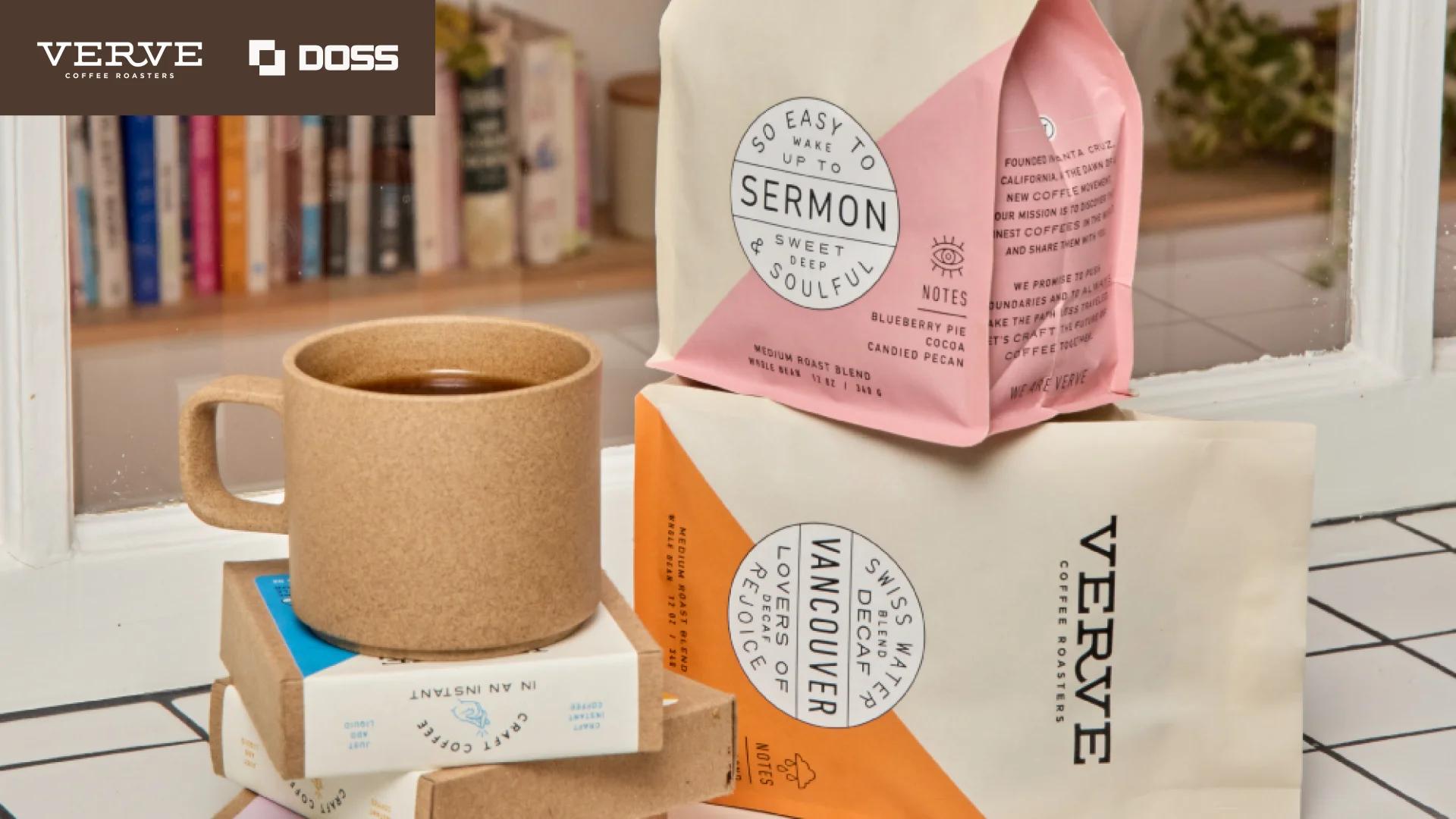
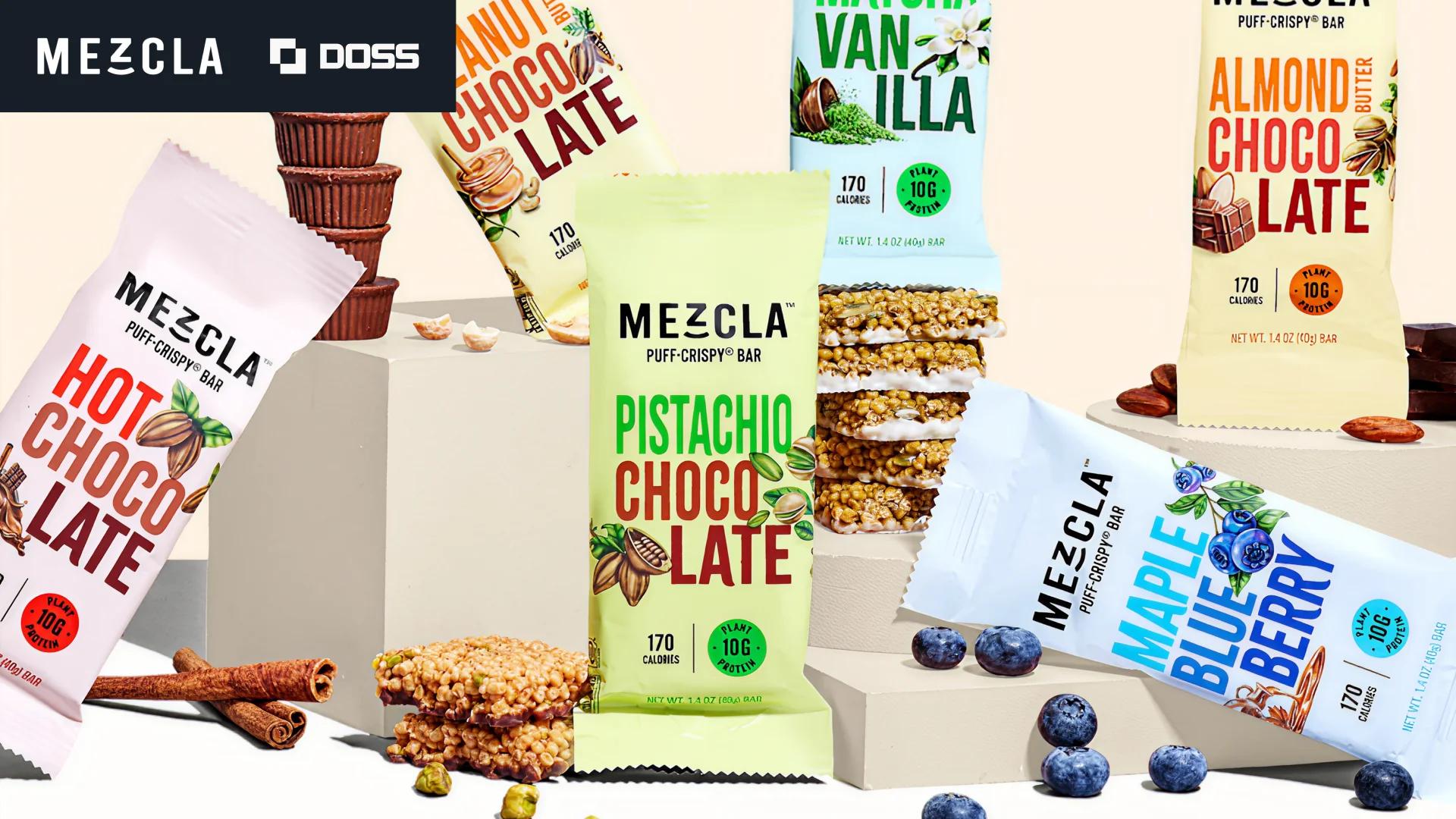
For a brand outgrowing Cin7 or Fulfil, or one deciding whether to skip lightweight tools entirely, the practical difference shows up in two places: setup time and what happens when you change. DOSS customers are typically live within months, not the year-plus timeline associated with legacy ERP rollouts, and workflow changes, adding a new warehouse, a new sales channel, a new supplier relationship, happen through configuration rather than a consultant engagement. Verve Coffee Roasters cut its unbatched DTC orders from 30 percent to 1 percent within the first month on DOSS. Mezcla saved more than 12 hours a week and doubled its purchase order processing speed. Spread the Love processes invoices 12 times faster than it did before switching.
This isn't a claim that every $1M–$10M brand should skip straight to a platform like DOSS. It's a reason to evaluate it alongside the lightweight tools and legacy ERPs already on your list, particularly if your growth trajectory means you'll be back in this decision within two years regardless of what you pick today.
How to Evaluate Your Options at This Stage
The right answer depends on a small number of concrete factors, not revenue alone:
- SKU count and complexity. A few dozen simple SKUs is a different problem than a few hundred variants with kits, bundles, or lot tracking requirements.
- Channel count. Selling on one platform is a different operation than reconciling Shopify, Amazon, and wholesale simultaneously.
- Warehouse and 3PL setup. A single warehouse tolerates more manual process than a multi-location or multi-3PL operation.
- Growth trajectory. A brand planning to double revenue in eighteen months should weight the ceiling problem more heavily than one growing steadily at 15 percent a year.
- Team bandwidth. If nobody on the team has time to manage a long implementation, that rules out legacy ERP regardless of how well it might fit on paper.
- Budget for the next stage, not just this one. The cheapest tool today isn't the cheapest tool once you count what it costs to migrate off it in two years.
Weigh these against each option honestly, including DOSS, before deciding. The brands that make this call well are the ones asking what their operation looks like at $15M, not just what solves this quarter's spreadsheet problem.
Getting This Decision Right
The ERP decision at $1M–$10M in revenue isn't about finding the single best system. It's about matching the tool to how complex your operation actually is today, and how fast that complexity is likely to grow. Spreadsheets and QuickBooks solve the problem until channel count and SKU count make manual reconciliation untenable. Lightweight inventory tools solve the next stage until a second warehouse, an EDI requirement, or a few hundred more SKUs push past what they were built for. Legacy ERP solves problems most brands this size don't have yet, at a cost and timeline most can't justify.
DOSS Operations Cloud is built for brands in the middle of that range: connecting inventory, orders, and procurement in one place, with a setup timeline measured in months and workflow changes that don't require a consultant every time your business changes. If you're evaluating what comes after spreadsheets or what to do when your current tool hits its ceiling, that's the conversation worth having before you sign a contract you'll outgrow again.