Mintsoft ERP Integration with DossARP
Simplify ecommerce fulfillment operations by connecting Mintsoft’s WMS and dispatch with DossARP. Manage real-time order updates, inventory sync, and fulfillment across multiple channels.
Integrations-as-Workflows
Simple, configurable, powerful automation
Overview
Built by
Category
Order Dispatch Automation
Automatically capture order status changes from Mintsoft, including dispatched, delivered, cancelled, or split shipments. Trigger custom workflows based on real-time events, update customers immediately, and maintain complete order traceability without switching systems.
Inventory Synchronization
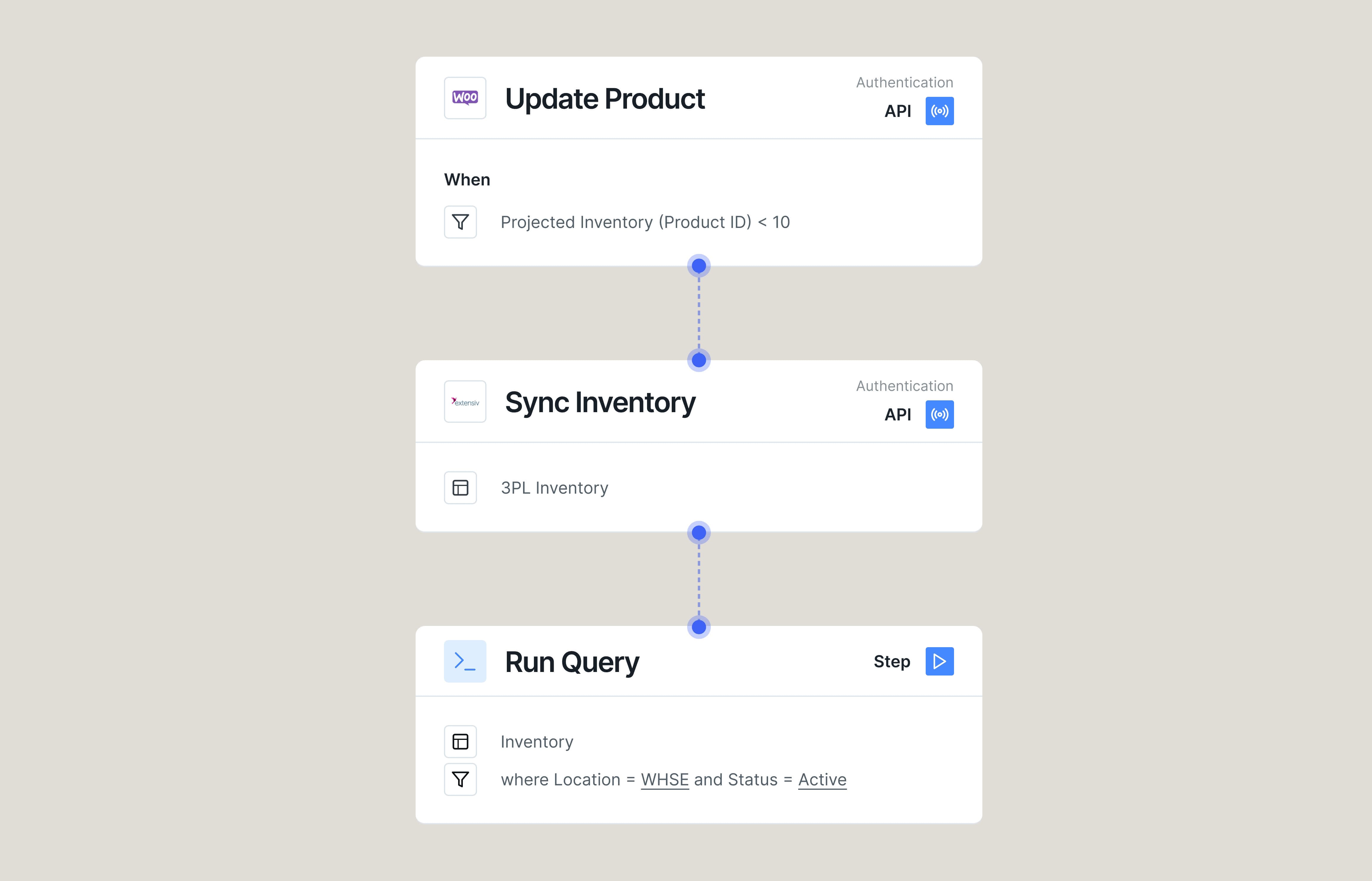
Keep your inventory accurate across ecommerce platforms, wholesale channels, and internal systems. As inventory levels update in Mintsoft, whether through receiving, adjustments, or pick/pack, Doss syncs stock levels across all connected channels, minimizing overselling and stockouts.
Fulfillment Workflows
Build intelligent fulfillment processes triggered by Mintsoft events. Automatically generate purchase orders, update backorder statuses, notify warehouse teams, and sync shipping data to customer records. Customize routing rules and order management logic without needing custom code.
Returns and Cancellations Management
Streamline post-purchase workflows by capturing cancelled, split, and returned orders instantly. Automate refunds, restocking, and customer communications using Mintsoft's event triggers, while ensuring inventory and accounting systems stay up to date without manual effort.
More integrations
Tiktok Shop
Keep your TikTok Shop operations running at full speed. Whether you're syncing order updates, managing fulfillment status, or triggering customer communications, Doss automates the entire order lifecycle from sale to delivery.
WooCommerce
Power your e-commerce operations with intelligent order management.
Amazon
Sync orders and fulfillment data between Amazon Seller Central and DOSS ARP.
Frequently Asked Questions
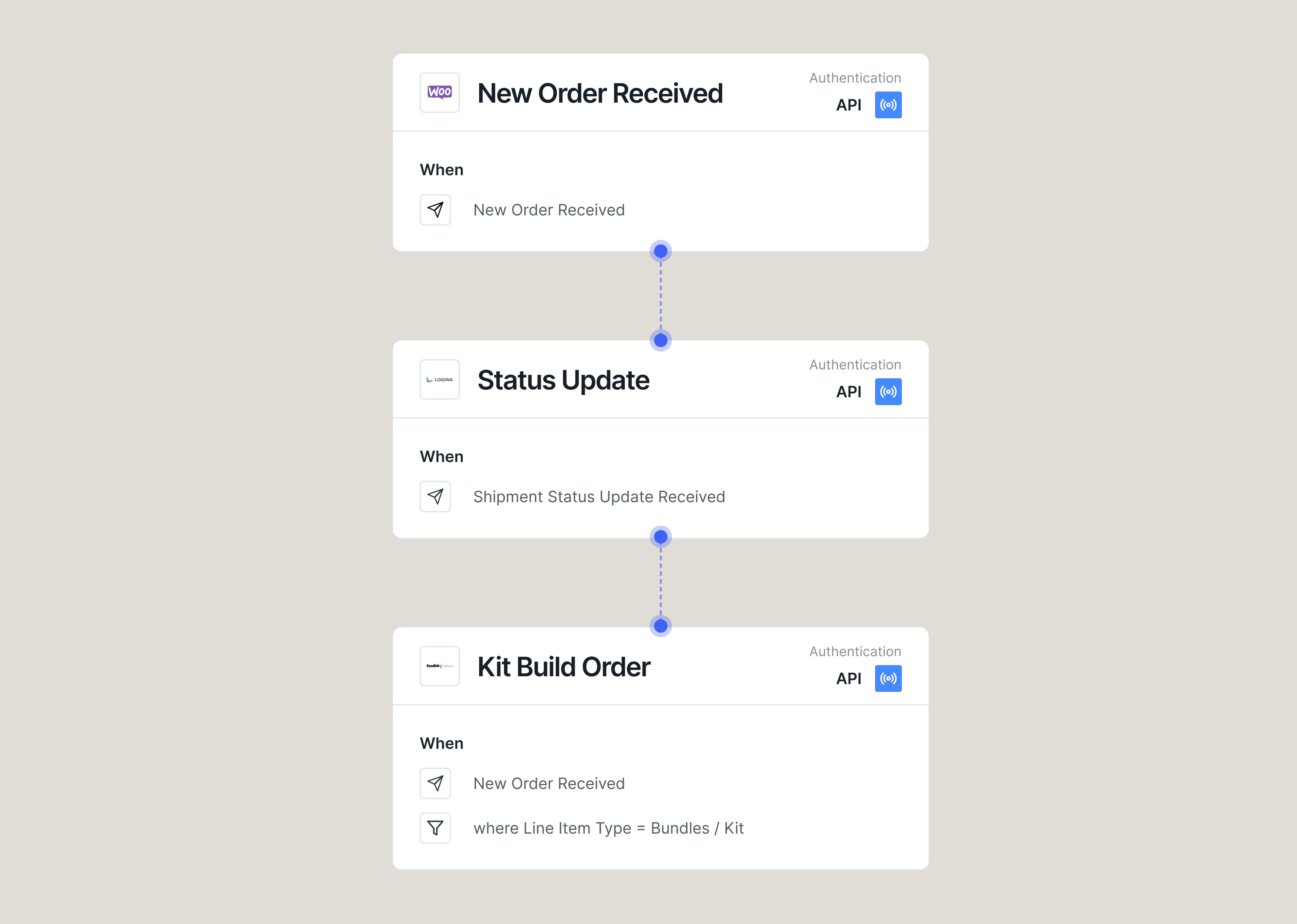
Yes. Doss listens to Mintsoft webhooks like `order_dispatched`, `order_delivered`, `order_cancelled`, and `order_split`. You can trigger workflows instantly — update a customer record, notify accounting, restock returned items, or generate a backorder. No code required. It's powerful order dispatch automation that saves time and eliminates human error.
Yes. Doss lets you define bundles or kit SKUs, and breaks them into individual components for Mintsoft to fulfill. You can route items to different warehouses, prioritize by shipping method, or assign fulfillment by channel (e.g., FBA vs DTC). It's ecommerce fulfillment software designed to handle complexity with ease.
When an order is cancelled, split, or returned in Mintsoft, Doss captures that event instantly and applies the logic you define: restock the item, issue a refund, or alert finance. You can automate customer communications and ensure downstream systems like accounting and inventory stay in sync — no manual updates needed.
Doss pulls live inventory data from Mintsoft — including stock received, adjusted, or picked — and syncs it across all your ecommerce and wholesale channels. Whether you're managing Shopify, Amazon, or B2B orders, inventory updates flow in real-time, keeping stock levels accurate and preventing overselling or stockouts.
The Doss–Mintsoft integration connects your ecommerce and wholesale operations to Mintsoft's WMS and dispatch system. Orders, fulfillment statuses, and inventory levels stay in sync in real-time across DossARP. Mintsoft handles pick, pack, and dispatch tasks, while Doss manages upstream purchasing, inventory forecasting, and downstream customer updates. It's a seamless bridge between warehouse execution and ERP control.
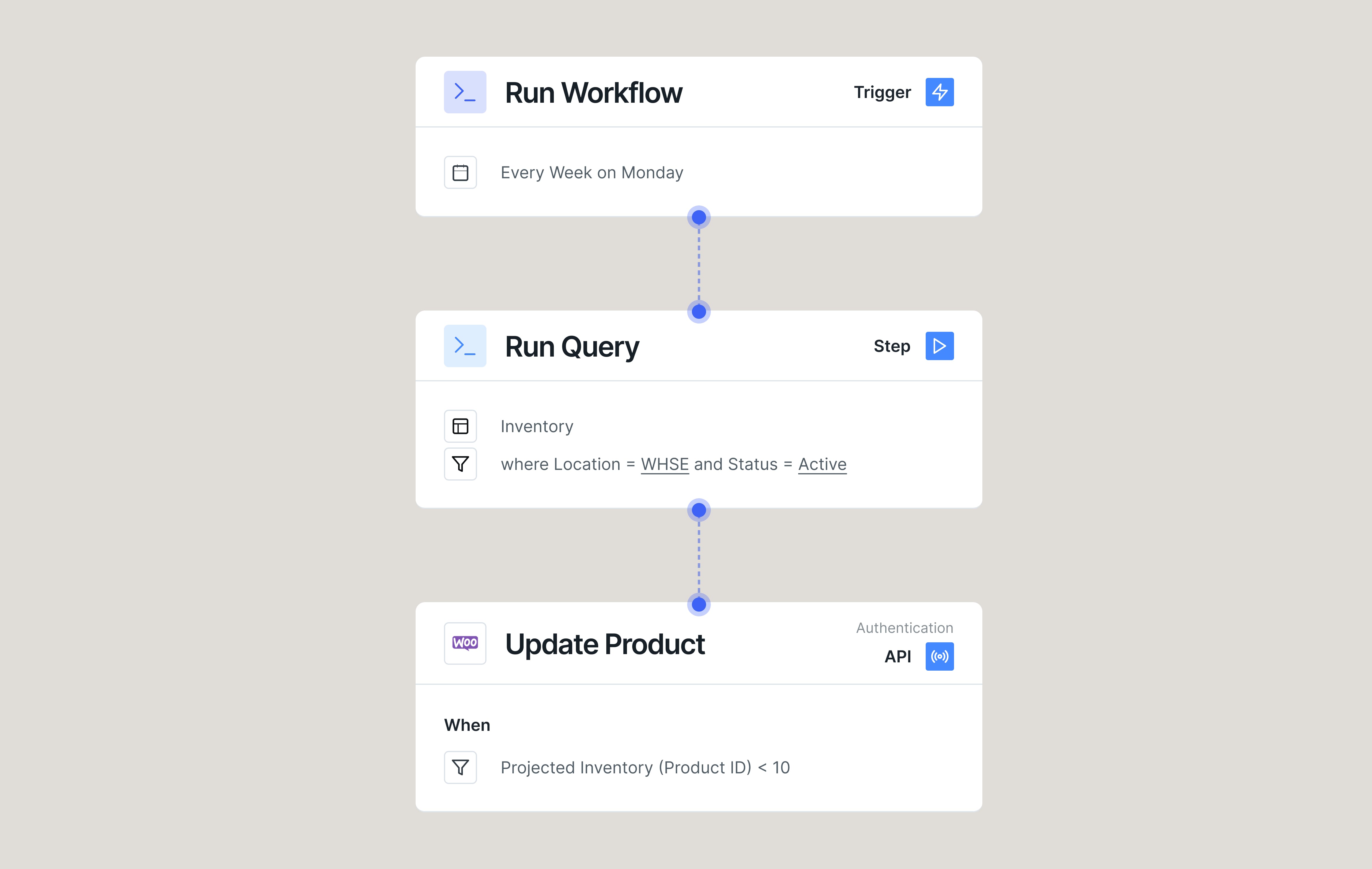
Yes. While real-time sync is default via the webhook, Doss supports scheduled updates too, useful for legacy tools or batch-based reconciliation workflows. Whether you need daily reports, end-of-day inventory updates, or weekly restock logic, Doss can adapt to your cadence across Mintsoft and connected systems.
Upgrade your ERP now
Fast to deploy. Easy to change. Built to scale.